
WAI-ILLUSTRIOUS-SDXL Prompt Guide: Settings, Examples, and Common Mistakes
0
1
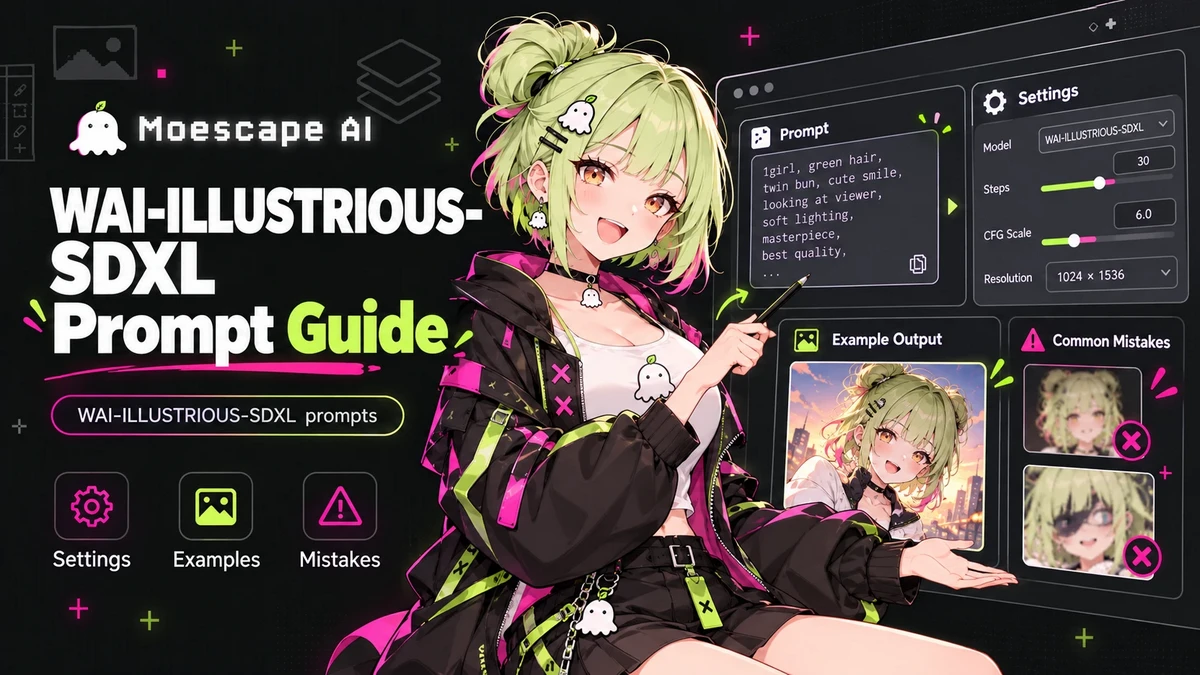
WAI-ILLUSTRIOUS-SDXL is a popular anime-focused checkpoint in the Illustrious family, and it rewards structured prompting. The model can produce detailed characters, clean anime rendering, strong color, and complex scenes, but WAI-ILLUSTRIOUS-SDXL prompts work best when the important information is easy for the model to prioritize. Start With a Clean Tag Structure A practical prompt order is:quality and style,subject count,character identity,face and hair,clothing,pose and action,camera,environment,lighting. Example:masterpiece, best quality, amazing quality, 1girl, adult woman, short silver hair, amber eyes, black military coat, red scarf, standing on rooftop, wind blowing hair, low-angle view, night city, neon reflections, cinematic lighting, anime screencap Do not repeat every quality tag several times. Repetition can crowd out useful information without solving composition problems. Recommended Starting Settings Moescape’s WAI-ILLUSTRIOUS-SDXL model page recommends a practical range of about 15-30 steps, CFG 5-7, and Euler Ancestral as a starting sampler. It also recommends working at larger source dimensions and provides optional high-resolution guidance. Treat these as starting points, not fixed rules. Community examples use other samplers successfully. Change one setting at a time so you can see what actually improves the result. Use Negative Prompts Deliberately A compact negative prompt is usually enough:bad quality, worst quality, worst detail, sketch, bad anatomy, bad hands, extra fingers, text, watermark If hands are repeatedly wrong, add hand-specific negatives. If the problem is composition or pose, fix the positive prompt instead of endlessly expanding the negative list. Character Prompt Example masterpiece, best quality, amazing quality, 1boy, adult man, messy black hair, blue eyes, long charcoal coat, leather gloves, calm expression, standing beside train door, evening station, three-quarter view, dramatic rim light, detailed background Background Prompt Example masterpiece, best quality, anime city alley after rain, vending machines, hanging signs, power cables, puddle reflections, distant pedestrians, cool blue night, warm shop lights, one-point perspective, atmospheric depth, no character Common Mistake: Overloading the Prompt WAI can understand many tags, but a prompt that asks for five conflicting styles, three camera angles, multiple lighting setups, and several outfits will still become unstable. Decide what the image is primarily about. Common Mistake: Extreme Weighting Heavy prompt weights can distort faces, colors, anatomy, or clothing. Increase emphasis gradually. If a concept only appears when weighted aggressively, simplify competing tags first. Common Mistake: Changing Everything at Once When testing WAI Illustrious settings, keep the seed stable and adjust one variable: prompt wording, steps, CFG, sampler, or LoRA strength. Otherwise you cannot tell why the output changed. A strong WAI Illustrious guide is ultimately about control. Use a clear tag hierarchy, begin with moderate settings, preserve a stable seed during testing, and build complexity only after the base composition works. WAI-ILLUSTRIOUS-SDXL is flexible enough for portraits, cinematic anime scenes, and stylized illustrations, but it performs best when the prompt behaves like an art direction brief rather than a bag of keywords