
How to Create Professional Cinematic Camera Movements With AI Video Generation
0
2
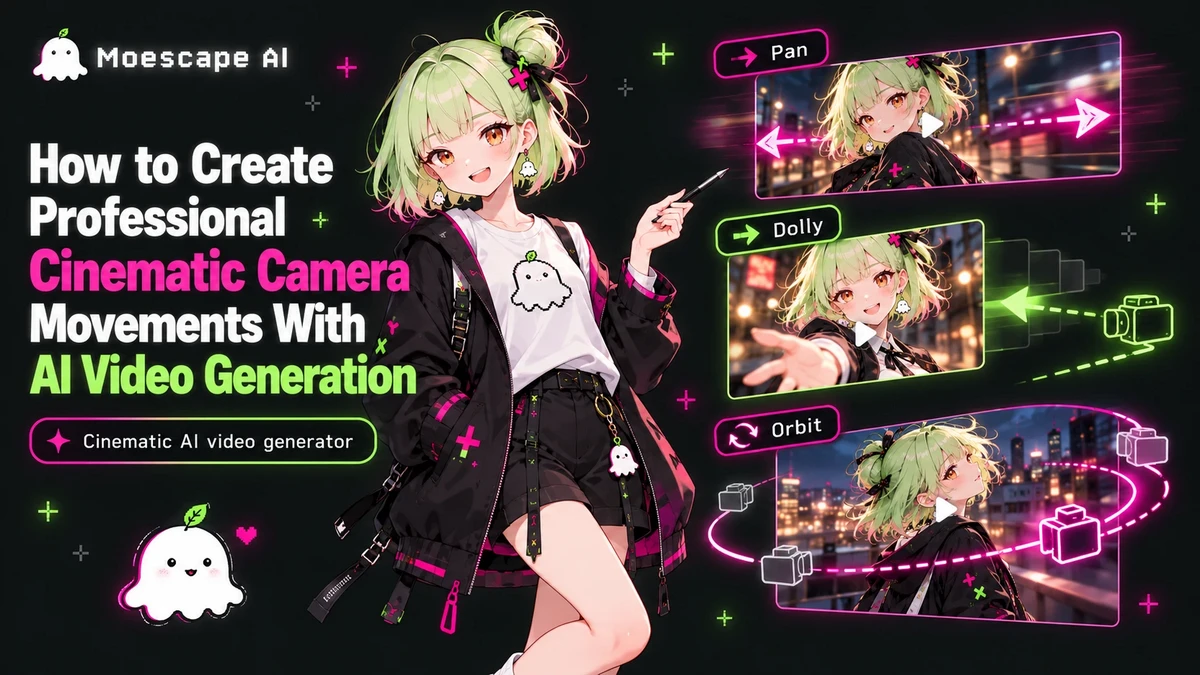
Camera Movement Is Visual Storytelling A cinematic shot is not defined only by high detail or dramatic lighting. The camera determines what the viewer notices, how quickly information is revealed, and how emotionally close the audience feels to the subject. A cinematic AI video generator becomes far more powerful when prompts describe camera movement with the same care as the character or environment. Choose Movement That Matches the Moment Different camera moves create different emotional effects. A slow dolly in can build intimacy or tension. A lateral tracking shot can make walking, driving, or combat feel energetic. An orbit can reveal a character or environment from multiple angles. A crane or rising shot can expand the scale of a location. Handheld movement can add urgency, while a locked camera can make a dramatic performance feel more controlled. Keep the Direction Physically Clear AI video prompts work best when the requested motion can be visualized as a real camera path. Instead of cinematic dynamic camera, describe a slow push toward the character while the subject remains centered, or track beside the runner at waist height with the background moving in parallax. Direction, speed, height, and subject relationship are more useful than vague cinematic adjectives. Combine Camera Motion With Lens and Focus Movement becomes more filmic when paired with lens behavior. A wide-angle low shot can exaggerate speed and scale, while a longer lens can compress the background and isolate a face. Shallow depth of field, a rack focus from foreground object to character, or controlled motion blur can reinforce the camera move. Use these elements selectively so the model has a clear visual priority. Avoid Too Many Moves in One Clip Short AI clips rarely need a dolly, orbit, zoom, tilt, and crane movement at the same time. Overloading the prompt can create unstable geometry or confused framing. Pick one dominant movement and, at most, one supporting action. If the scene needs a new camera idea, treat it as a new shot. This is also closer to how professional sequences are edited. Direct Cinematic Shots With Moescape Moescape lets creators build video around existing characters, images, and story concepts, making camera direction part of a larger visual workflow. Start with a clear subject and composition, choose the emotional purpose of the shot, then describe one controlled camera path. A cinematic AI video generator is most effective when it is treated like a virtual production tool rather than a random motion effect. Strong direction turns generated movement into storytelling.