
CreedxLuna's Guide to Prompting (Part 1): A Practical Guide Based on Trial, Error, and Many Hourglasses

14
68
Creed's and Luna's Guide to Prompting (for mostly Illustrious Models) A Practical Guide Based on Trial, Error, and Many Hourglasses
Part 1 of 4: Essential Resources & Understanding Models
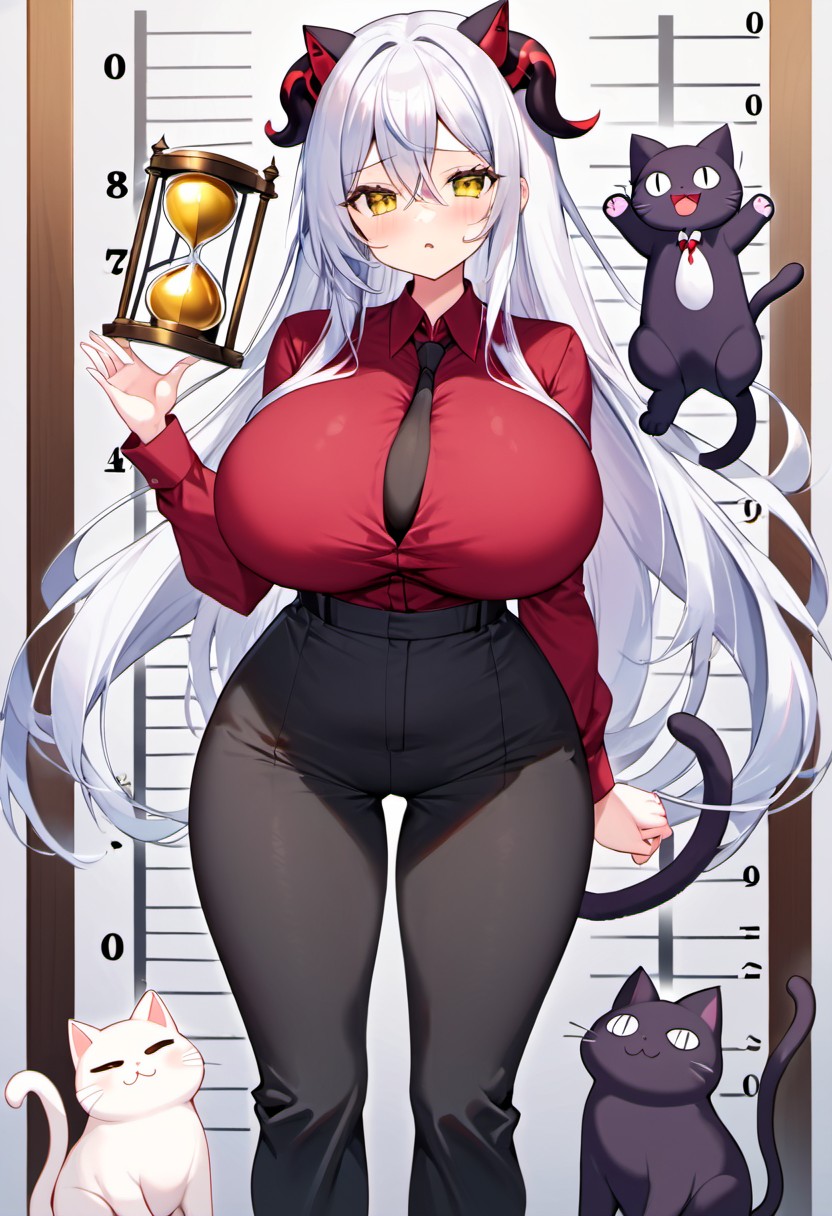
Welcome to the chaos! If you're here, you've probably generated at least one image where your character had three hands, floated mysteriously above the ground, or—my personal favorite—had an actual hourglass appear in the image because you used "hourglass figure" in your prompt. Don't worry, we've all been there. This guide is based on serious experimentation over the last six months (and a year of lucky fumbling before that). I learned prompting through open prompts (thank you to everyone who shares!), lots of reading, and even more trial and error. It combines programming logic with aesthetic knowledge, which honestly helps a lot.
Essential Resources (Read These First!): Rabbit's Ultimate Beginner Guide - Specifically for Yodayo/Moescape Ozia's guide for Image Settings - Excellent technical breakdown Danbooru Tag Groups - Your new best friend (great overview, don't try to read the whole wiki though—it's massive)
Understanding Models & LoRAs Ozia's guides cover this brilliantly, but here's the quick version: Models are the foundation, LoRAs modify them. Simple, right? Well... Critical Rules:
- Don't use too many style or character LoRAs simultaneously—models will fight each other and produce errors
- Sometimes a model and LoRA just don't work together (different training data)
- Always check the model's recommended settings on CivitAI if not listed on Yodayo/Moescape
Samplers & Schedulers Matter MORE Than You Think: "If a stable, reproducible image is your goal, you should not use ancestral samplers. All the ancestral samplers do not converge." Ancestral samplers (usually marked with "a") add randomness. Great for variation, terrible for consistency. DPM samplers are higher quality but slower. More info here: [https://stable-diffusion-art.com/samplers/](https://stable-diffusion-art.com/samplers/](https://stable-diffusion-art.com/samplers/))
My advice: Find ONE model you like and really learn it. Get familiar with its quirks, its language, its styles. Master one tool before juggling five.
Quality Tags: Less Is More Early on, I threw every quality tag at the AI like confetti. Big mistake. Now I only use the tags recommended for the specific model (Yodayo/Moescape has these as presets now). Why? Unknown tags get misinterpreted. Badly. Also, some quality tag combinations prevent male characters from generating at all on certain models.
Style Prompts: Equally important, but check if your model even knows that style first.
Essential Tools:
ADetailer: Helps immensely to improve and beautify faces. I use it almost always. Warning: Can sometimes cause weird duplications (like body parts in the face), and then has to be turned off.
Face Restoration: In my opinion, mostly unnecessary, especially if you're using ADetailer. Can actually be detrimental with some models. (Bun's tip: Good for photorealistic generations)
Hires.fix: Can help TREMENDOUSLY with resolution, size, and detail level of images. Check the recommended settings for your model. As always, experimentation also helps understanding!
The Golden Rule So Far: Find a good, versatile model → Read its documentation → Configure settings correctly → Use only the language/styles it understands Pro tip: Sometimes you don't need to overthink character creation—there might already be a Spell/LoRA for exactly what you want!
Next: Part 2 covers the actual language of prompting and why metaphors are your enemy.